
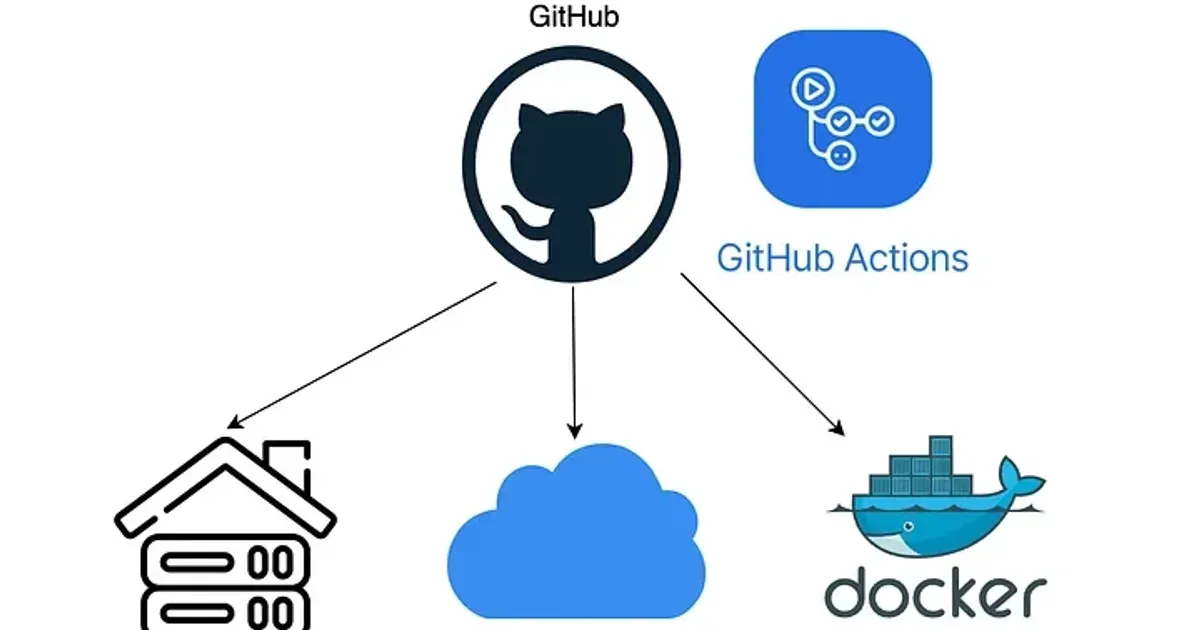
Hello everyone, I’m back! 👋
Lately, I’ve been enjoying tinkering with my Proxmox setup. It’s the heart of my homelab, hosting everything from my personal dashboard to various dev tools. But recently, I realized I was spending more time in the terminal doing “boring stuff” than actually building new features.
Every time I wanted to update an app, the routine was the same:
- Open the terminal.
- SSH into the specific Proxmox LXC.
cdinto the project folder.git pull.docker compose up -d --build.
It felt like I was stuck in a “manual trap” 🙃 I wanted that professional “push-to-deploy” experience I use at work, but right here in my house.
The Search for Automation
I started looking into GitHub Actions. While GitHub’s own cloud runners are great, I wasn’t comfortable giving them direct SSH access to my home network, and I didn’t want to open any ports on my firewall.
That’s when I discovered Self-Hosted Runners.
How does the Runner “know” when I push?
This was the biggest question I had when I started. Does GitHub send a “poke” to my server? Does it need a Webhook?
Actually, it’s much simpler (and more secure). The GitHub Runner uses a technique called Long Polling.
When you start the runner agent on your Proxmox node, it opens an HTTPS connection to GitHub and essentially asks: “Do you have any jobs for me?” If there’s no job, GitHub keeps the connection open for a while (usually around 60 seconds) before telling the runner to try again (204 No Content).
Because the runner initiates the connection, it works perfectly behind a home router/firewall without needing to open any ports. It’s like your server is “calling home” to check for mail. Once you push code to GitHub, GitHub sees the open connection and says, “Yes, here is a job!” and sends the build instructions down that same pipe.
A “Gotcha” with Alpine Linux
Most of my LXCs run on Alpine Linux because I love how lightweight it is. But I hit a snag: the official GitHub Runner is built for glibc, and Alpine uses musl.
Instead of fighting the OS and installing compatibility layers, I tried a different approach: running the runner itself inside a Docker container.
By containerizing the runner (using an Ubuntu-based image), it has all the libraries it needs, but by mounting /var/run/docker.sock, it can still reach out and control the Docker engine on my Proxmox host.
This “Docker-out-of-Docker” setup is the cleanest way I’ve found to run runners on lightweight hosts.
How I set it up
I decided to keep my “Infrastructure” separate from my apps. I created a dedicated directory for the runner and a simple docker-compose.runner.yml:
services: github-runner: image: myoung34/github-runner:latest restart: always environment: - REPO_URL=https://github.com/YOUR_USER/YOUR_REPO - RUNNER_NAME=proxmox-runner-01 - RUNNER_TOKEN=${RUNNER_TOKEN} # My temporary registration token - LABELS=self-hosted,linux,x64 volumes: - /var/run/docker.sock:/var/run/docker.sockNow, in my project repositories, I just add a small workflow file, and the magic happens. Every time I push to main, my Proxmox runner sees the job, pulls the code, and redeploys the container automatically.
A Note on the Workflow Settings
In your GitHub repository, you’ll need to create a file at .github/workflows/deploy.yml. Here is the basic structure I use:
name: Deploy to Proxmoxon: push: branches: [ main ]
jobs: deploy: runs-on: self-hosted steps: - name: Checkout Code uses: actions/checkout@v4
- name: Build and Deploy run: | docker compose up -d --build
- name: Cleanup run: docker image prune -fImportant: The runs-on: self-hosted line is the most critical part. It tells GitHub to skip its own cloud servers and wait for your local Proxmox runner to pick up the task.
The Result
The difference is night and many-less-headaches. I no longer feel that “friction” when I want to push a small CSS fix or a new API route. I just git push, and a minute later, the changes are live on my server.
Manual deployments are a great way to learn, but once you experience the “push-to-deploy” lifestyle in your own homelab, there’s no going back. It makes the whole project feel more robust, more professional, and honestly, just a lot more fun to work on.
If you’re still stuck in the manual trap, I highly recommend giving this a try. Have you automated your homelab yet? Let me know in the comments below! 😉
Thanks for reading! 😘
References: